WireGuard for distributed networks
Secure access to your sites without a public IP or port forwarding
Connect routers, LAN subnets, cameras, PLCs, sensors, and local APIs through a managed WireGuard mesh. Access, routes, logs, and reports - in one dashboard.
- The router brings up the control channel itself - nothing is exposed to the internet
- Access to LAN, cameras, and APIs turns on centrally, without a VPN on every device
- Every connection and access change is visible in the audit log
Access management instead of manual VPN setup
Qarvix helps teams that maintain many remote sites: branches, retail locations, industrial sites, labs, equipment behind NAT/CGNAT, and customers' private networks.
Before Qarvix
- Public IPs and port forwarding at every site
- Scattered VPN files across different engineers
- Shared contractor passwords
- No visibility into who connected to a site and when
- Site visits for basic diagnostics
After Qarvix
- One managed mesh for every site
- Access by role, not by shared files
- Routes to LAN and API turned on centrally
- Audit log and reports for every action
- Sites behind NAT/CGNAT connect on their own
Capabilities
Isolated access meshes
Separate sites and teams into distinct WireGuard networks, without mixing permissions, routes, and logs across different clients or branches.
Learn more →Device onboarding without operator setup
The router brings up the control channel itself using a one-time token - no public IP, port forwarding, or manual WireGuard configuration needed.
Learn more →A route to the LAN behind the router
Give engineers access not just to the router, but to the local subnet behind it: cameras, controllers, POS terminals, PLCs, or servers.
Learn more →Device API over an encrypted tunnel
Check status, read parameters, and run service operations over the tunnel, without exposing device APIs to the internet.
Learn more →What it looks like in the interface
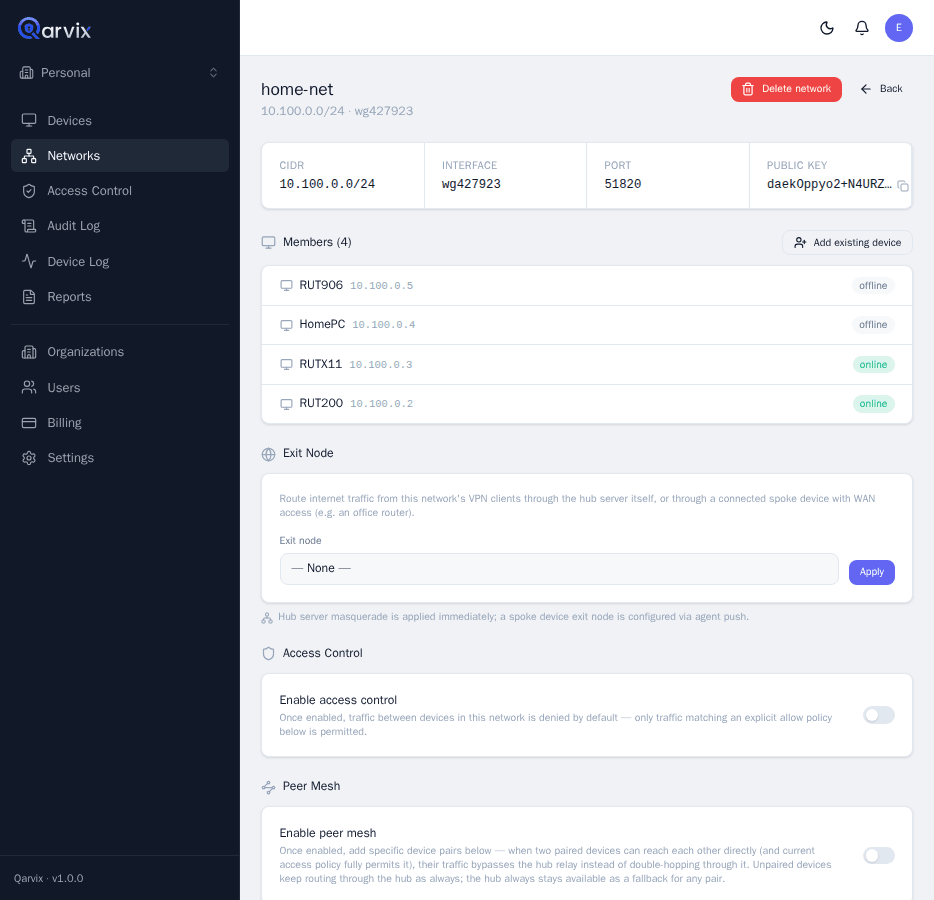
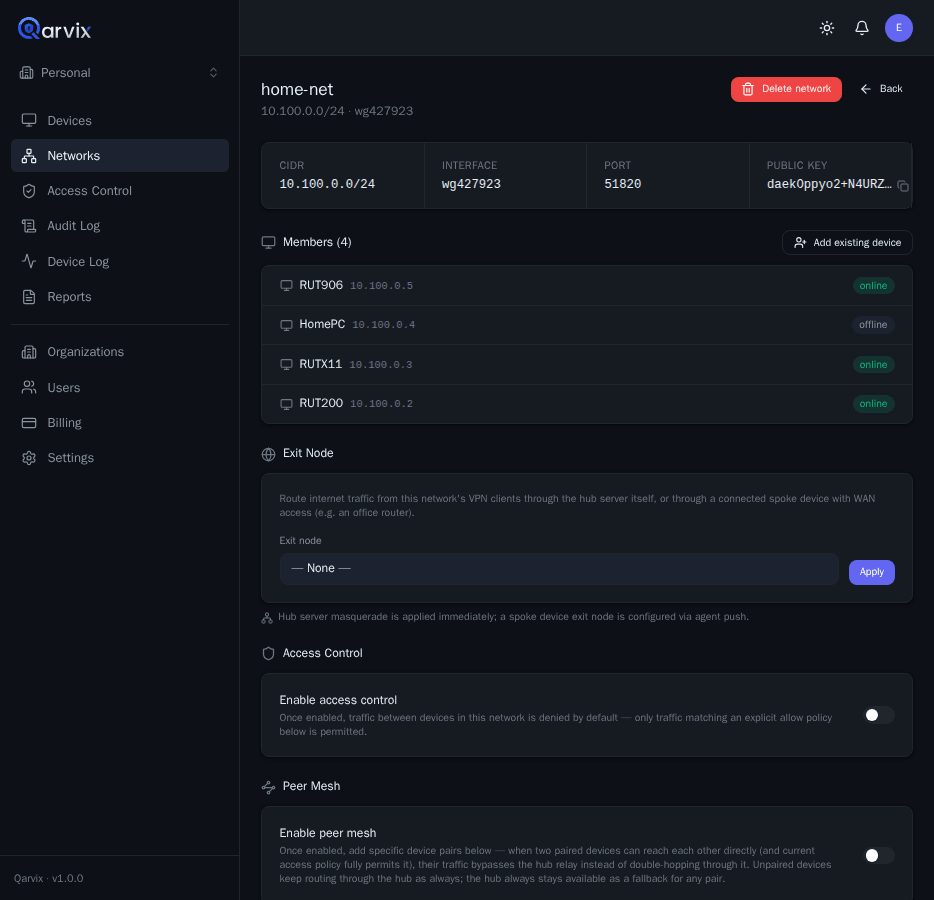
Everything that defines access to a site, visible at a glance
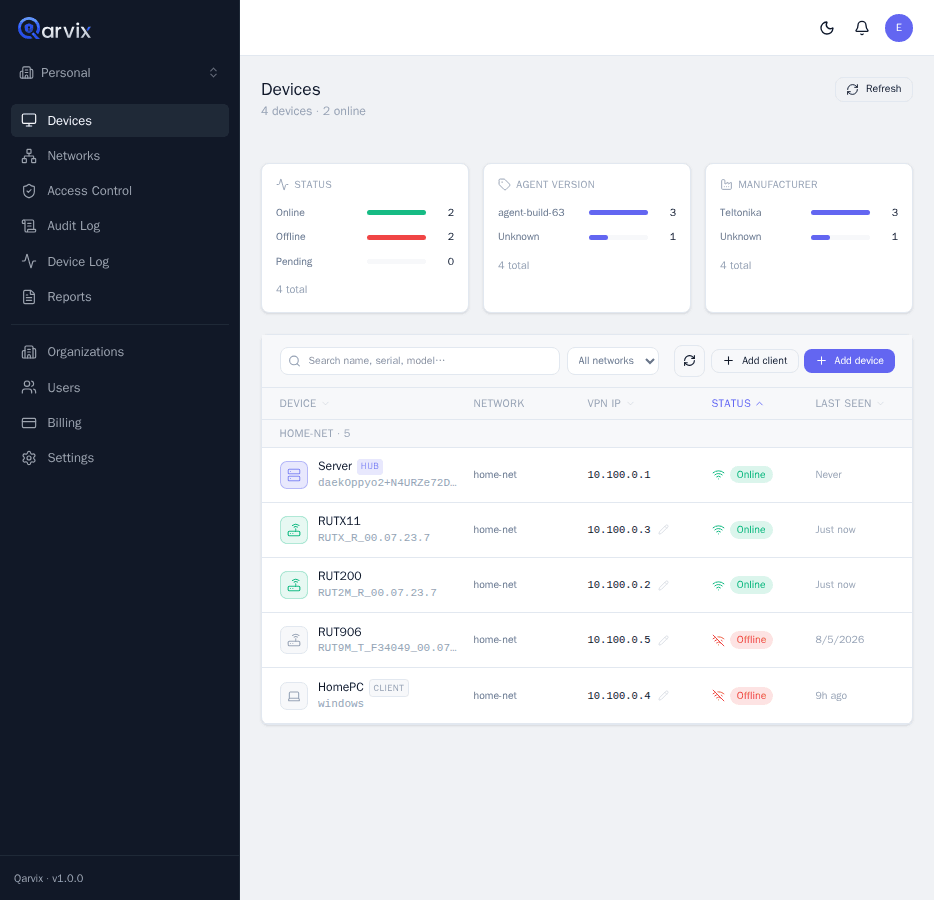
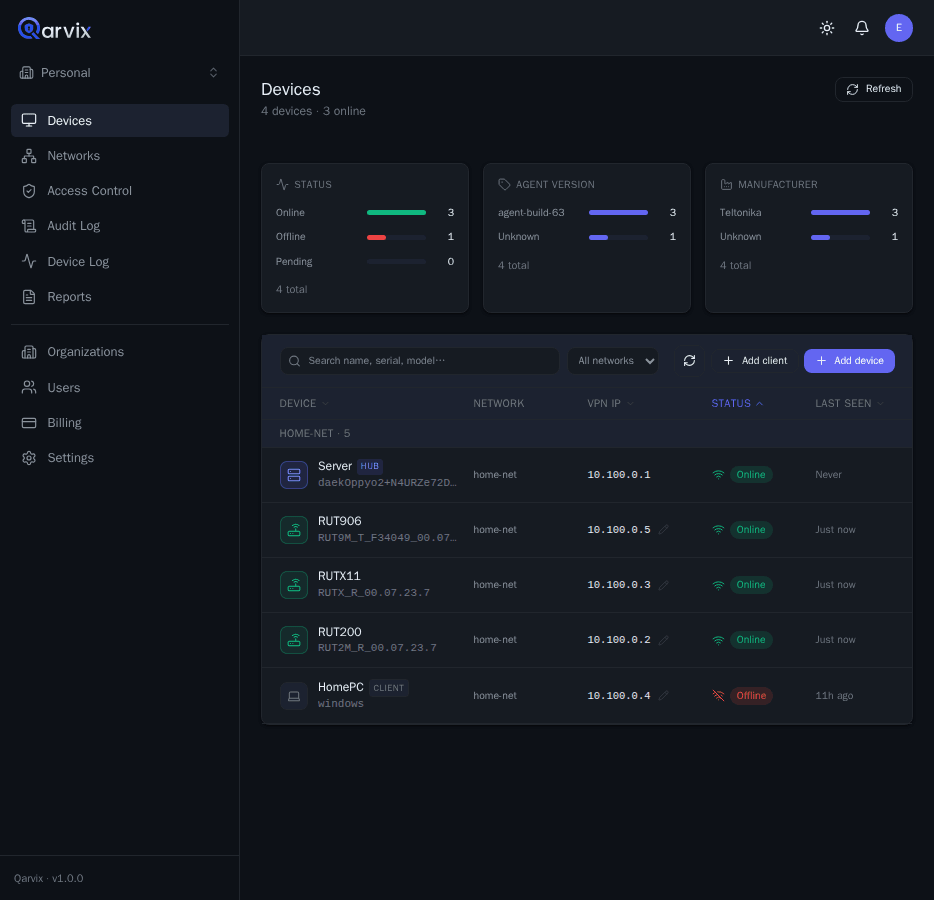
- Network members and their VPN addresses in one list
- Routes to LAN subnets behind routers
- Exit node, peer mesh, and access rules on one page
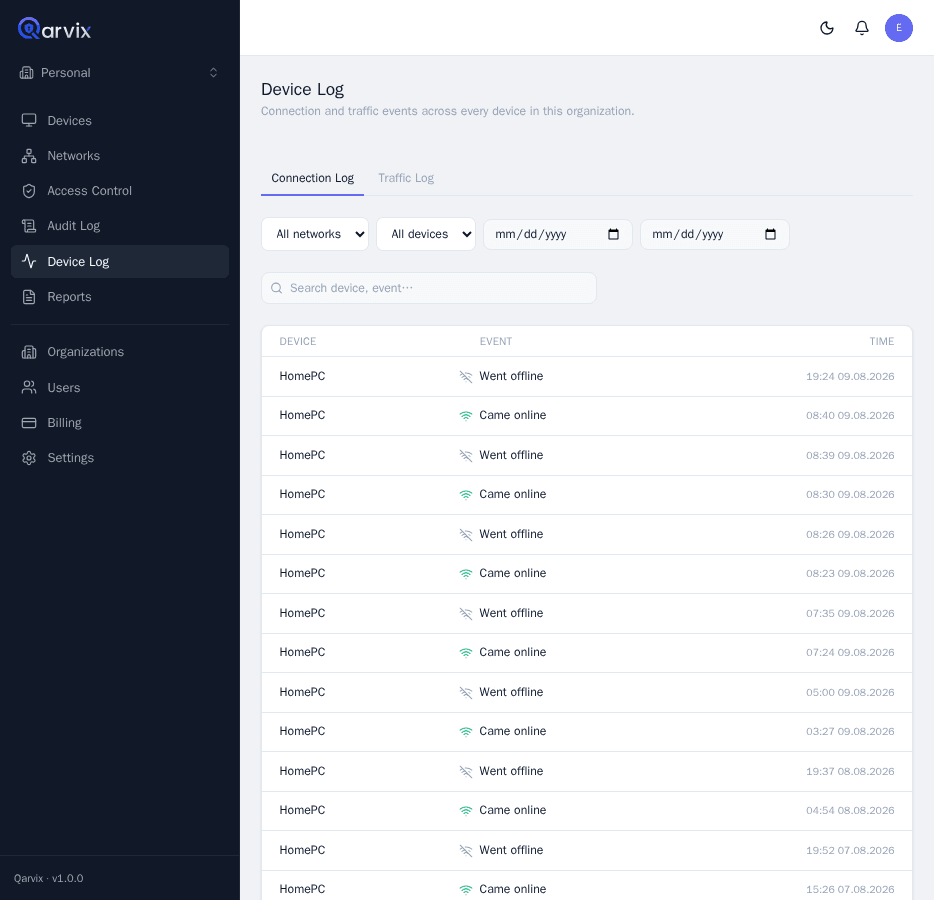
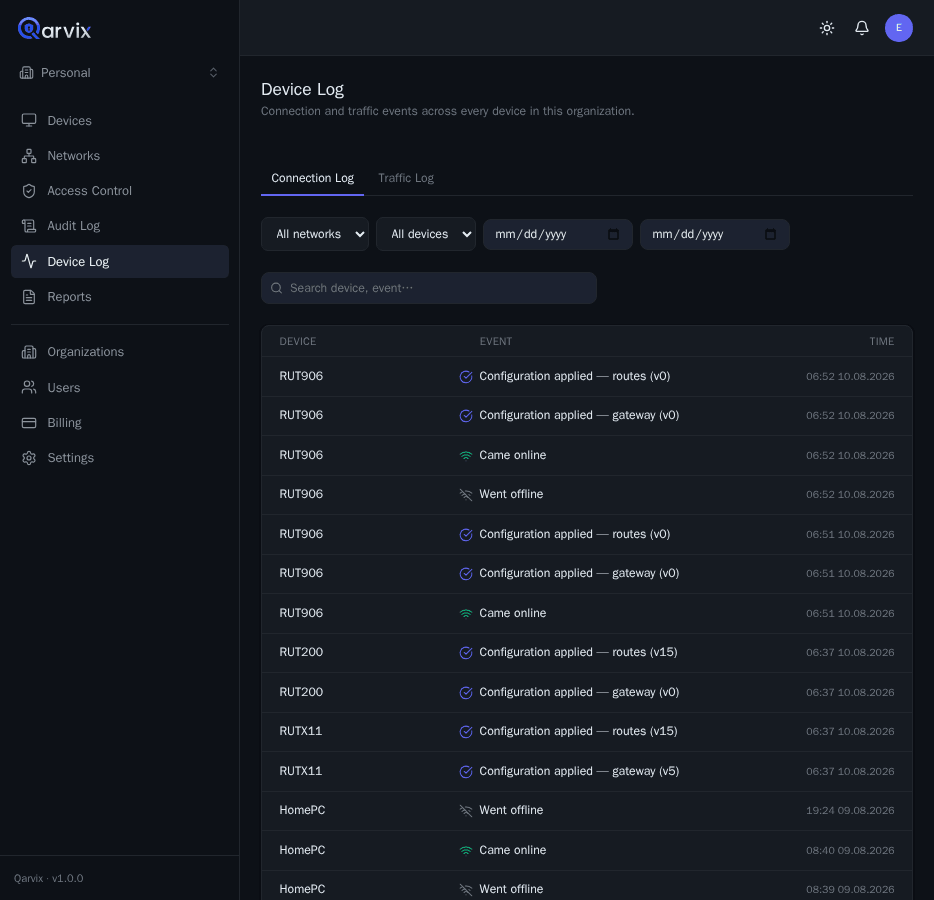
Every device explains its own history
- Configuration changes and agent updates
- Reconnects and connectivity drops with timestamps
- Calls to the device API over the tunnel
Where Qarvix is especially useful
Service access to sites without a visit
An engineer spends a day just to check one router.
Managed access to routers, terminals, and local services right from the dashboard.
Cameras, PLCs, sensors, and APIs behind the router
Every device on the LAN needs its own VPN or port forwarding.
One route through the router opens access to the whole subnet you need.
Multiple branches in one mesh
Branches live in separate, disconnected VPN setups.
Sites show up on one access map, while permissions stay separated.
Contractor access without shared VPN files
The same VPN profile gets passed from hand to hand for years.
Personal, temporary access that can be revoked in one action.
Closed and offline environments
An industrial network can't depend on an external cloud.
Qarvix deploys in an isolated network without a permanent internet connection.
How it works
Create a network
The administrator picks an address range and a hub.
→ the network is ready to accept devicesAdd a device
The router connects using a one-time token.
→ no public IP neededSee it come online with a VPN IP
The device appears in the dashboard with its own address.
→ the device is available to the right usersTurn on a LAN/API route
One toggle opens the subnet behind the router.
→ cameras and APIs are reachable over the tunnelUnder the hood
Two independent channels on one device
The operator works through the Web UI and the Qarvix Control Plane. The router brings up its own WSS management channel to the Control Plane, while user traffic runs separately - through the Qarvix Hub over WireGuard.
- WSS - agent management and configuration delivery.
- WireGuard - encrypted user traffic.
- LAN route - access to resources behind the router over the same tunnel.

Security and control
Access is closed by default
New users and devices don't get extra permissions automatically. Access is granted only to explicitly allowed destinations and checked at every step.
Identity
- 2FACuts the risk of a stolen password: a second code is required.
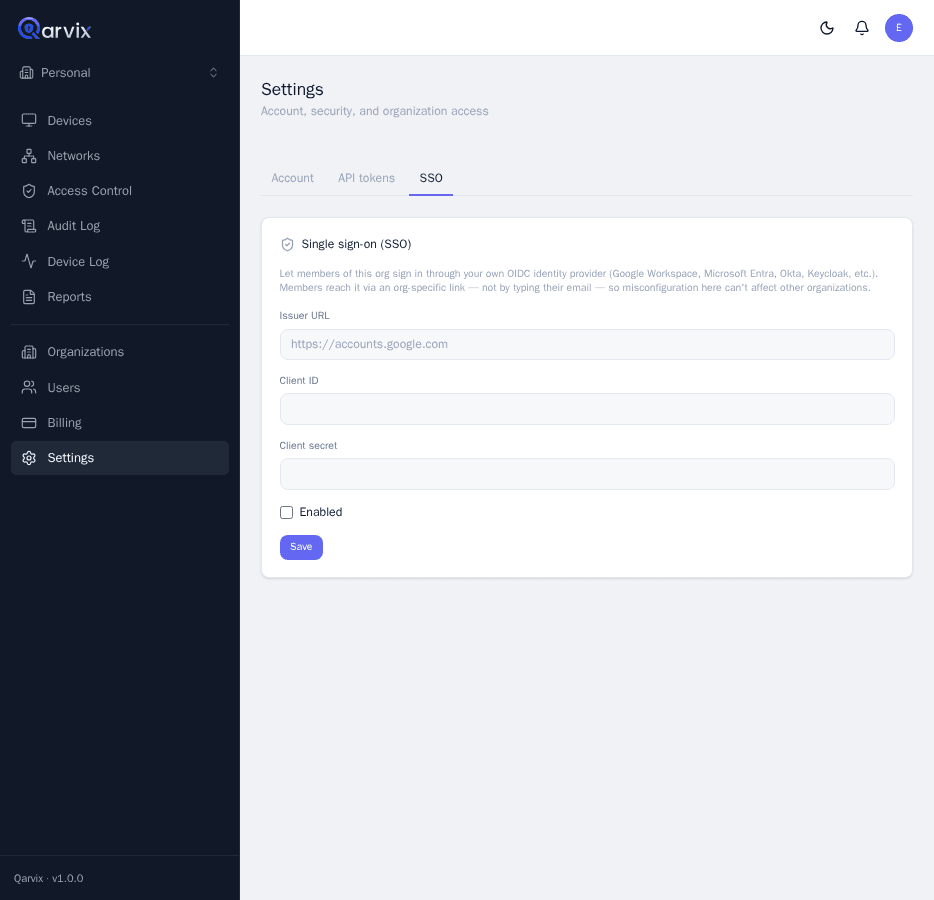
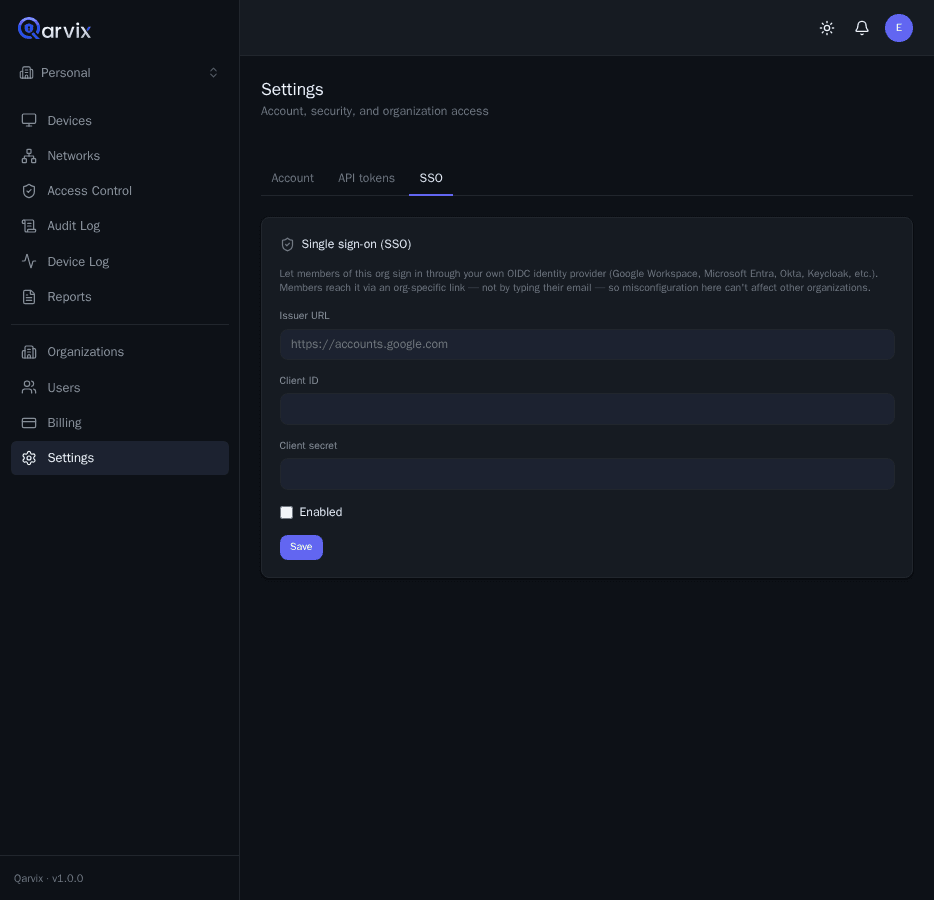
- OIDC SSOSign in through your corporate identity system instead of separate passwords.
Network
- WireGuardEncrypts all user traffic between members.
- No inbound portsThe site doesn't need to be exposed to the internet - the router brings up the channel itself.
Policies
- ACL and rolesAccess is granted explicitly; the default is deny.
- API tokensScoped access for integrations, with no shared accounts.
Control
- One-time tokenNeeded only for a device's initial connection.
- Audit logA clear record of who changed access, a network, or a device, and when.
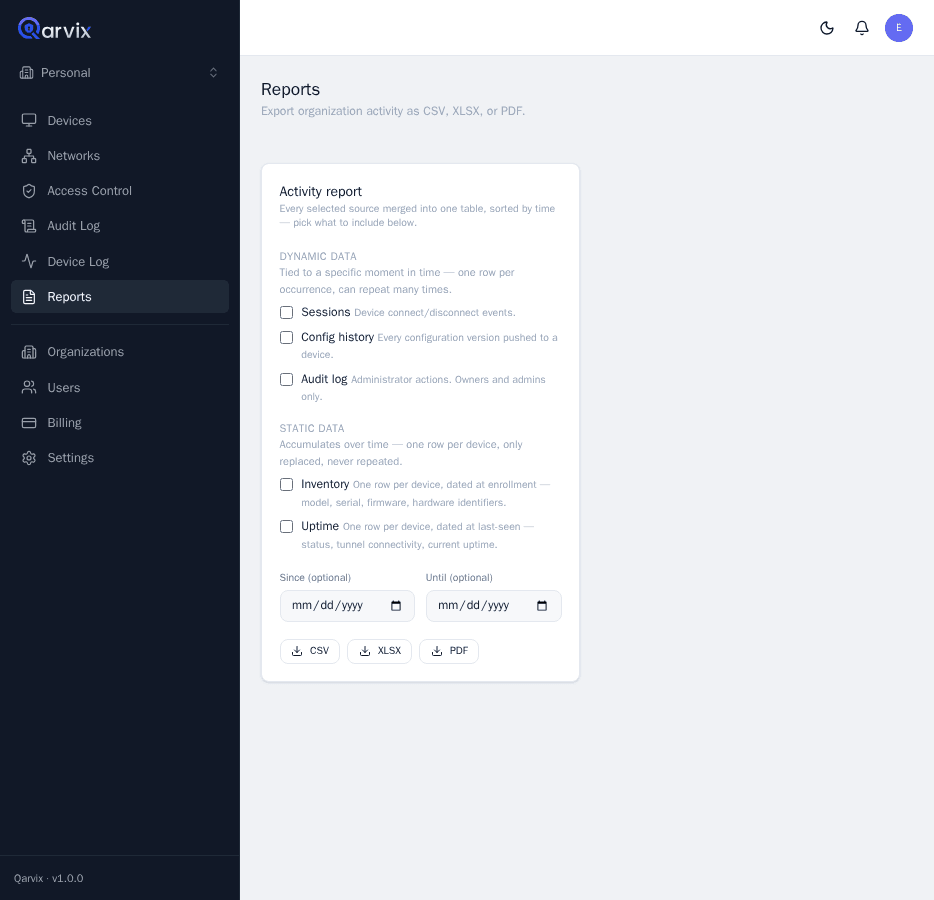
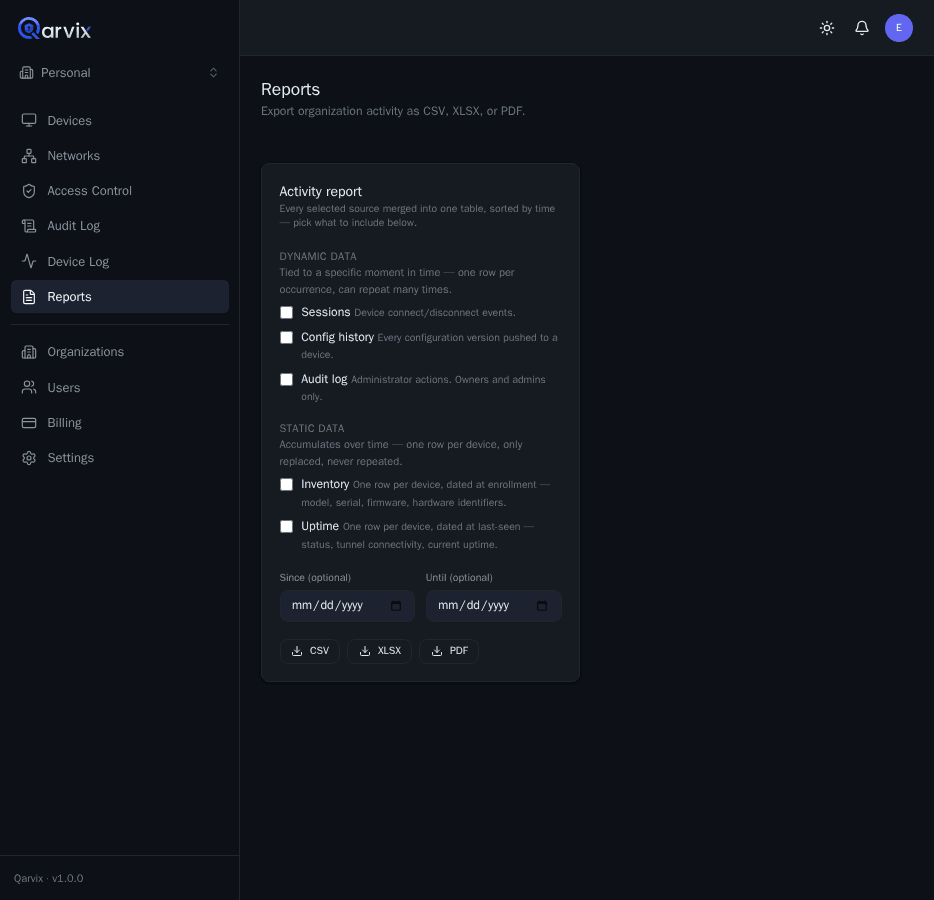
Reporting and operations
Manageability you can see, not just claim
Qarvix isn't just a tunnel: the platform shows what happened at every site and who did it.
- Online status for devices and static clients
- Device log: configuration changes, reconnects, agent updates
- Audit log: who changed access, a network, or a rule
- Access to device APIs over the tunnel for diagnostics and integrations
- Configuration history for incident review